
Built-in Themes
tokentop includes 15 carefully crafted themes. Each is designed to look great in the terminal and provide clear visual hierarchy for usage data.
Dark themes
Section titled “Dark themes”Tokyo Night
Section titled “Tokyo Night”The default theme. Cool blues and purples inspired by the Tokyo Night color scheme. Excellent contrast for extended monitoring sessions.
ttop demo --theme tokyo-night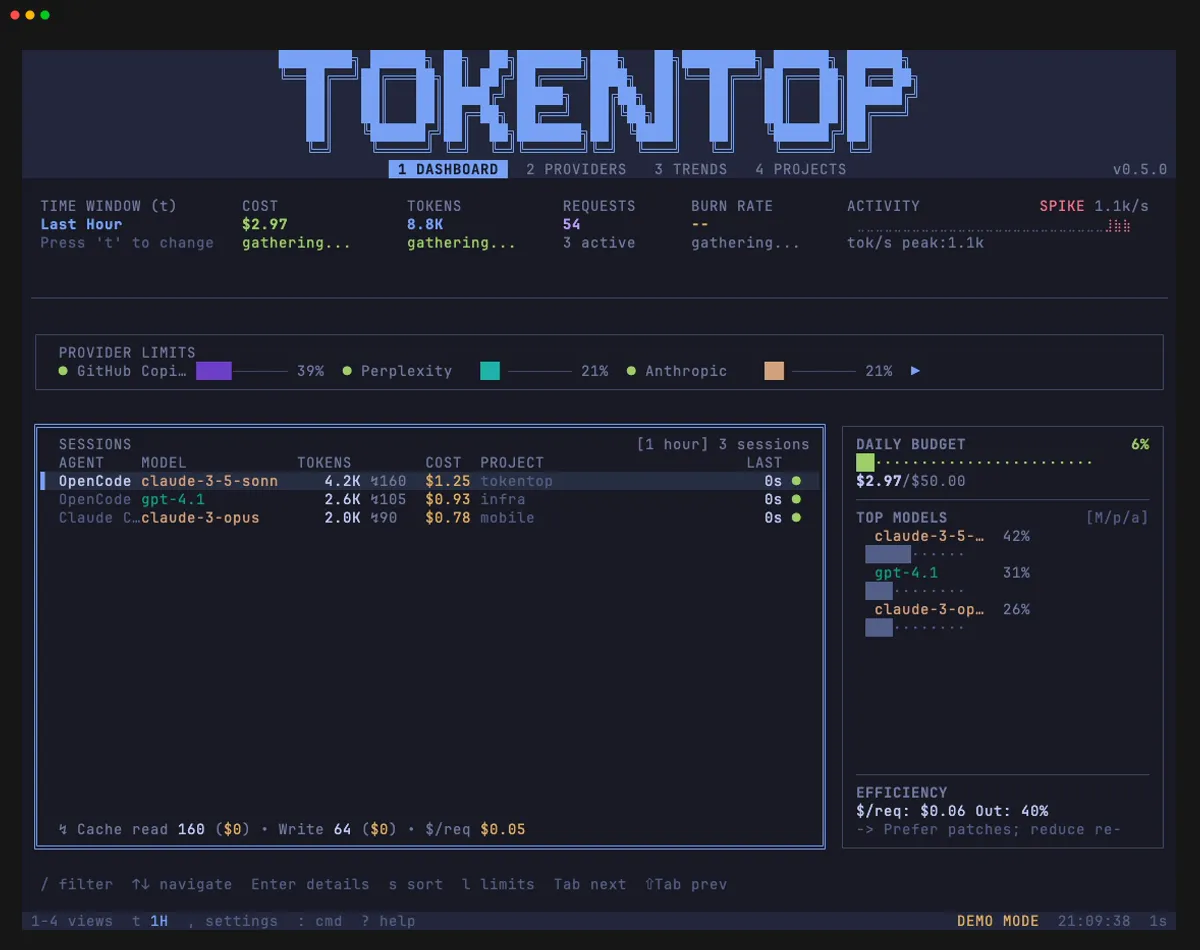
Dracula
Section titled “Dracula”The popular Dracula palette with its signature purple, pink, and cyan accents on a dark background.
ttop demo --theme dracula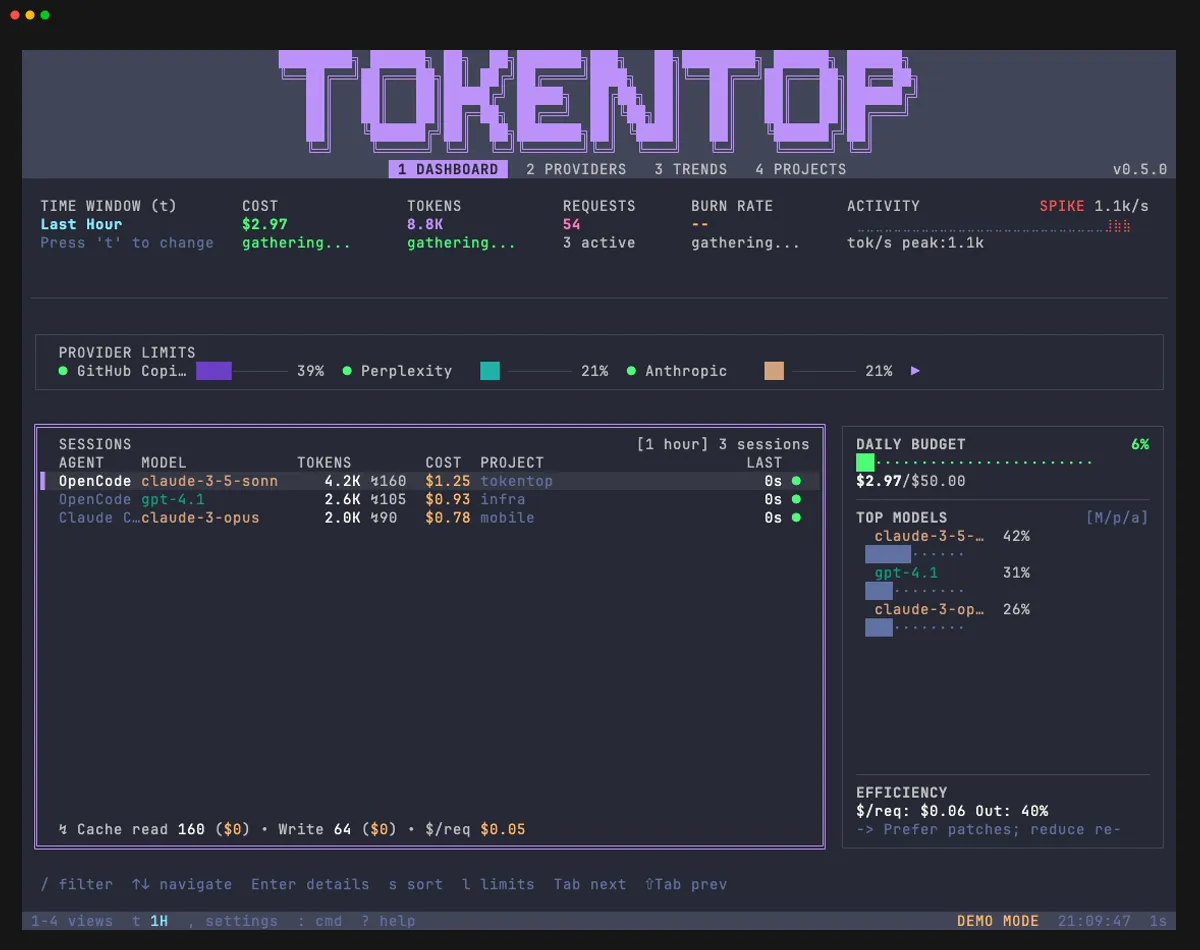
Arctic, north-bluish color palette with muted tones. Clean and easy on the eyes.
ttop demo --theme nord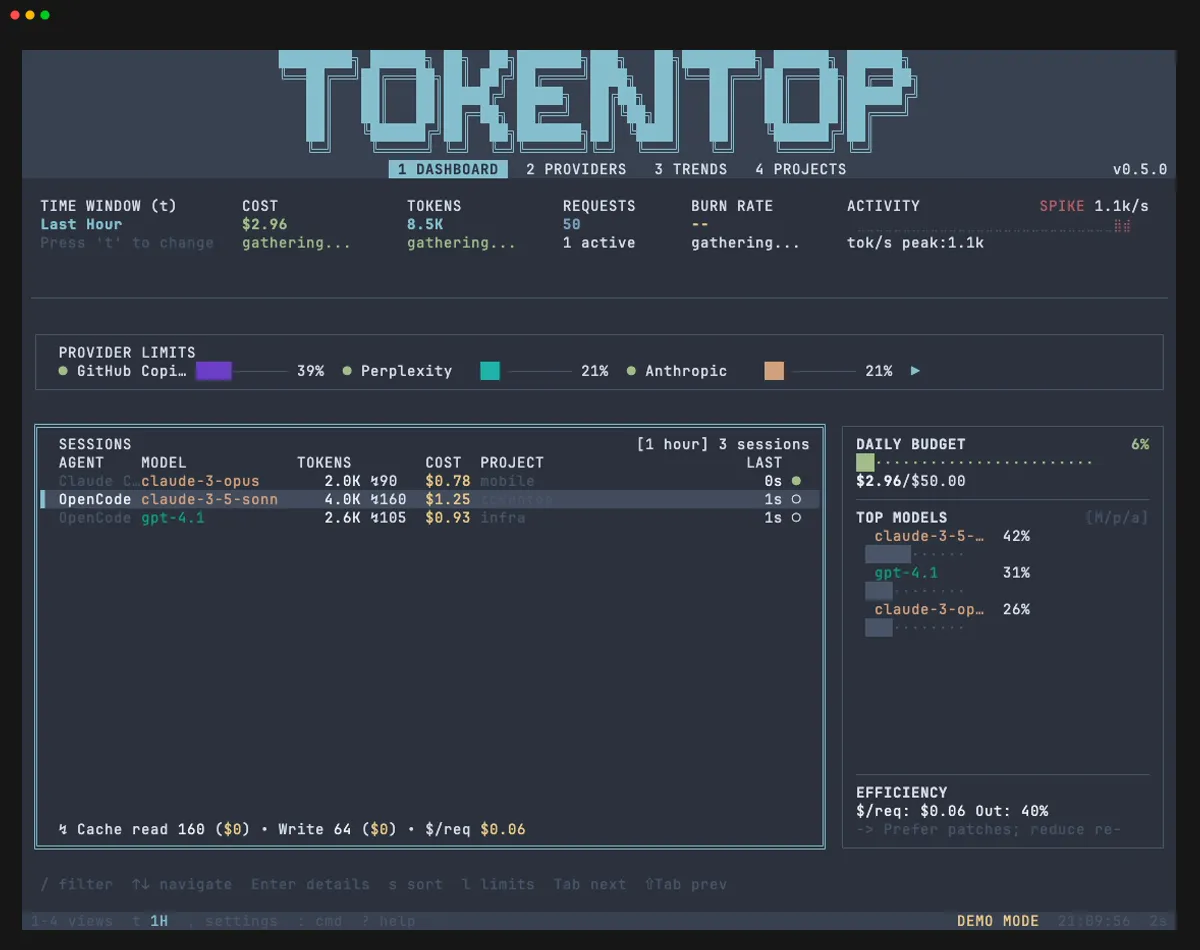
One Dark
Section titled “One Dark”Based on Atom’s One Dark theme. Warm accent colors on a neutral dark background.
ttop demo --theme one-dark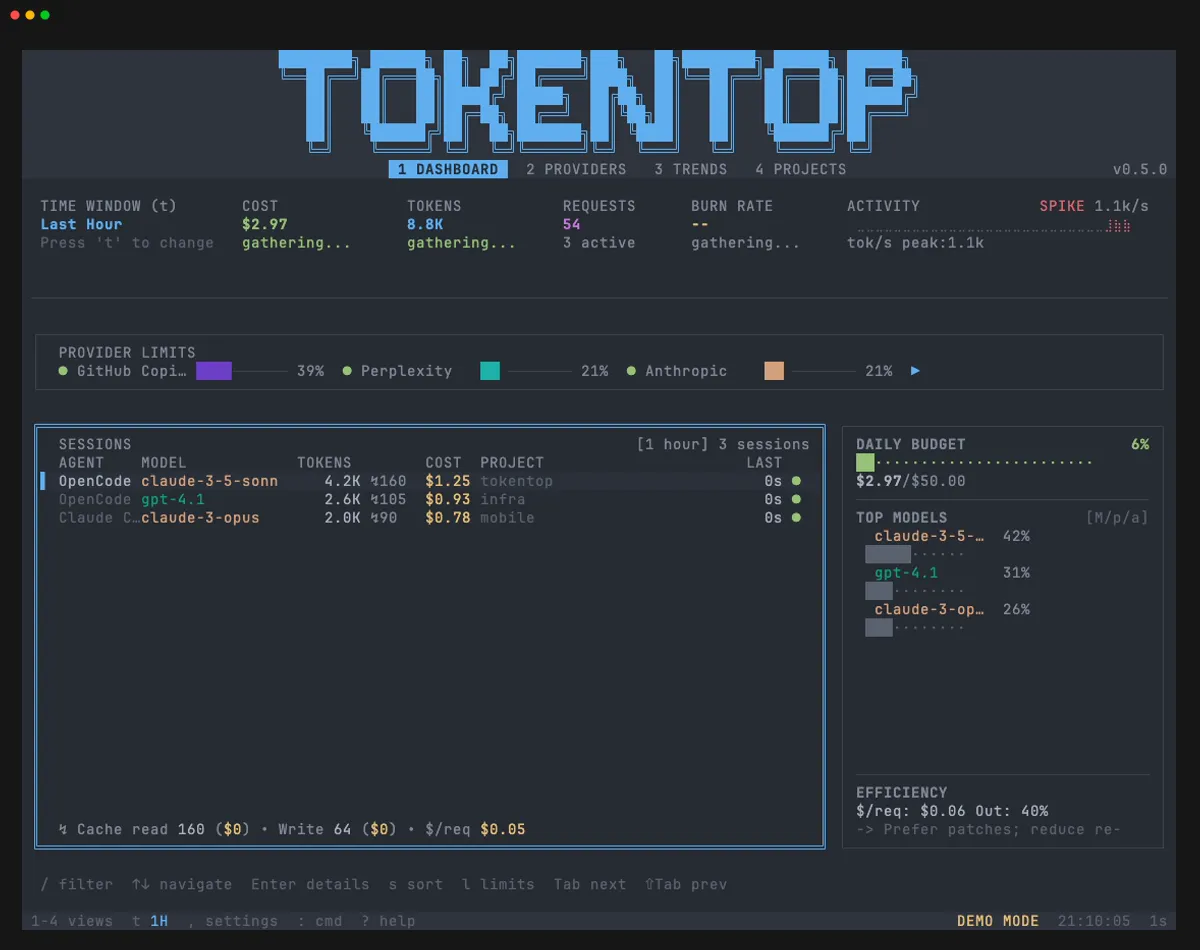
Catppuccin Mocha
Section titled “Catppuccin Mocha”The darkest flavor of the Catppuccin palette. Rich, warm colors with a soothing dark base.
ttop demo --theme catppuccin-mocha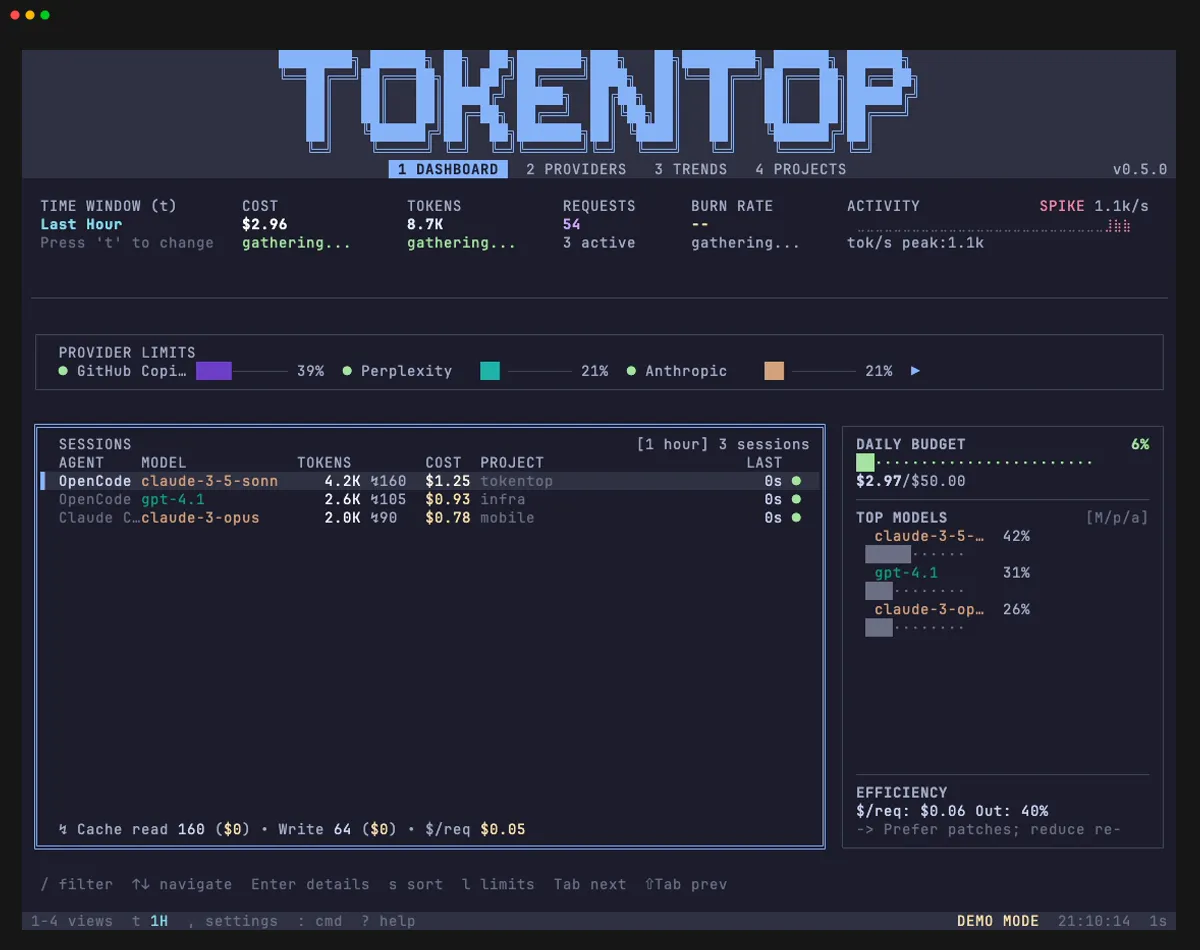
Gruvbox Dark
Section titled “Gruvbox Dark”Retro groove colors with warm, earthy tones. High contrast yellow, green, and orange accents.
ttop demo --theme gruvbox-dark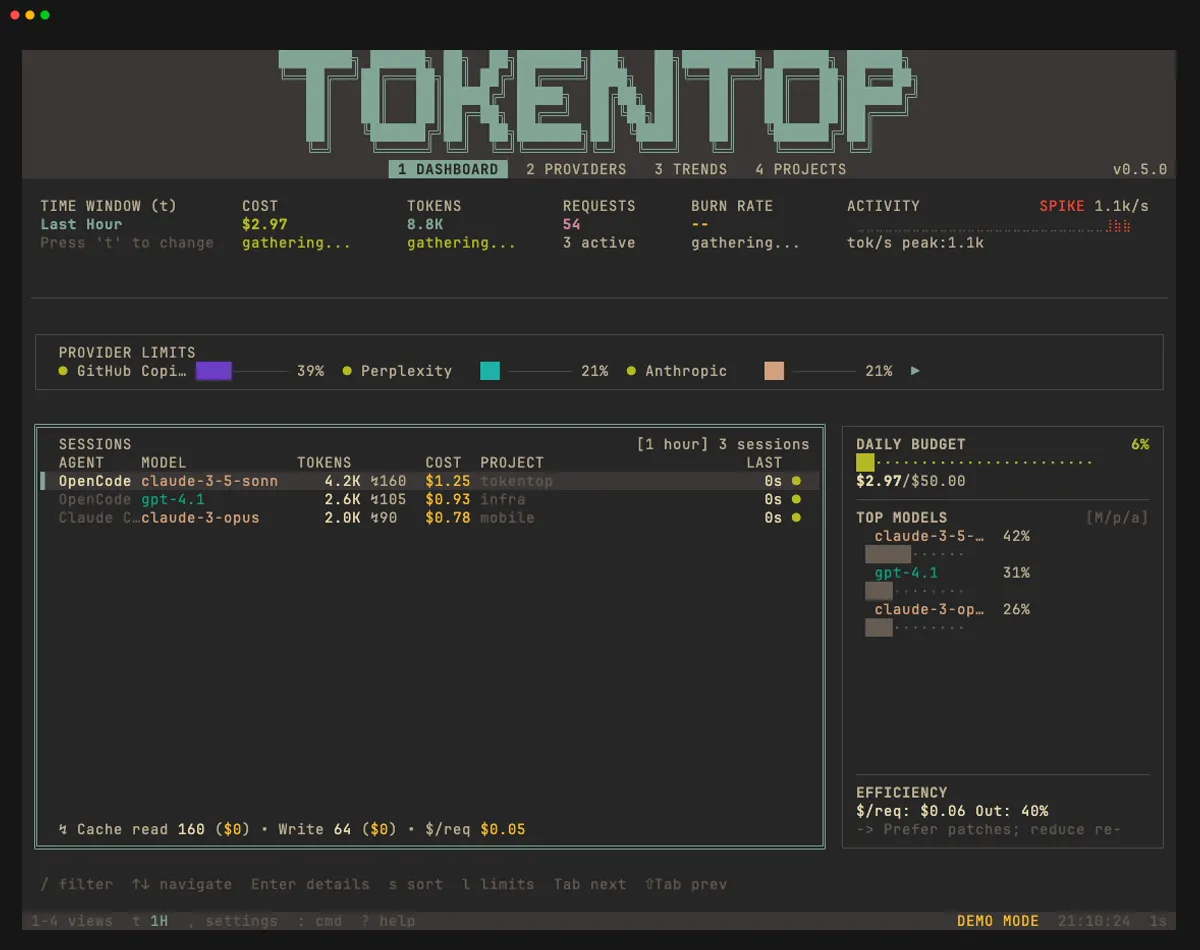
Kanagawa
Section titled “Kanagawa”Inspired by the famous wave painting. Deep blues with warm accent colors from the Japanese palette.
ttop demo --theme kanagawa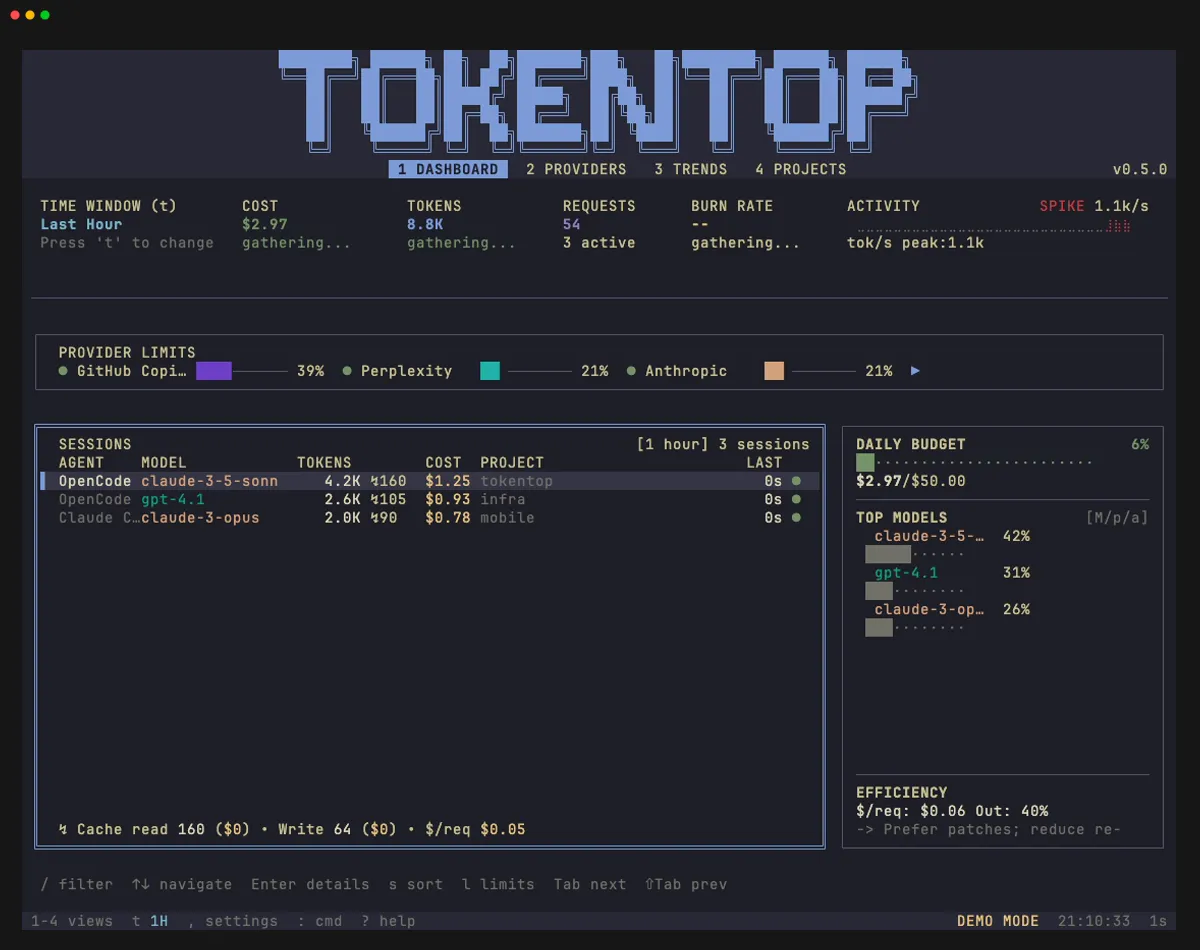
Rosé Pine
Section titled “Rosé Pine”Soho vibes with muted pinks, golds, and greens on a very dark base.
ttop demo --theme rose-pine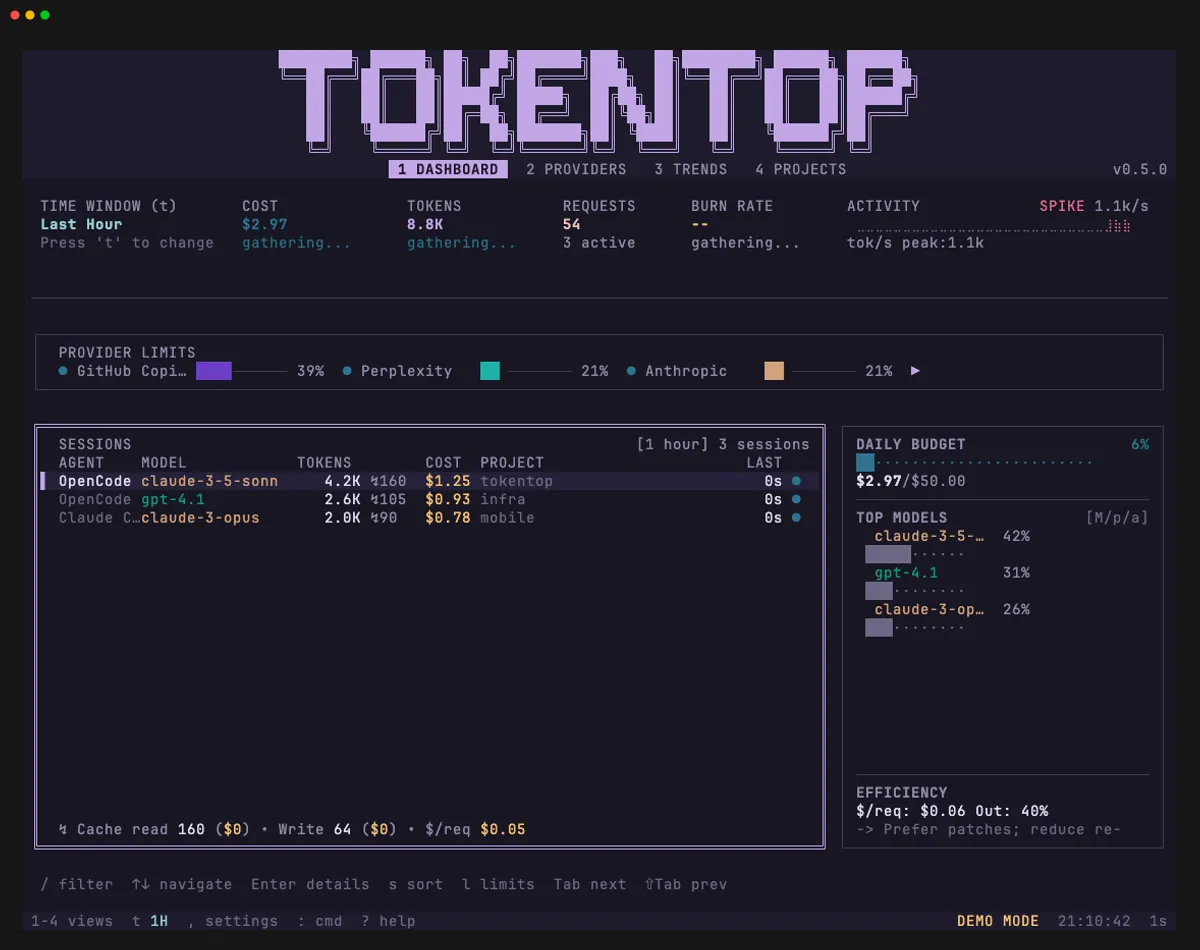
OpenCode
Section titled “OpenCode”A theme designed to match the OpenCode terminal interface. Dark background with blue accents.
ttop demo --theme opencode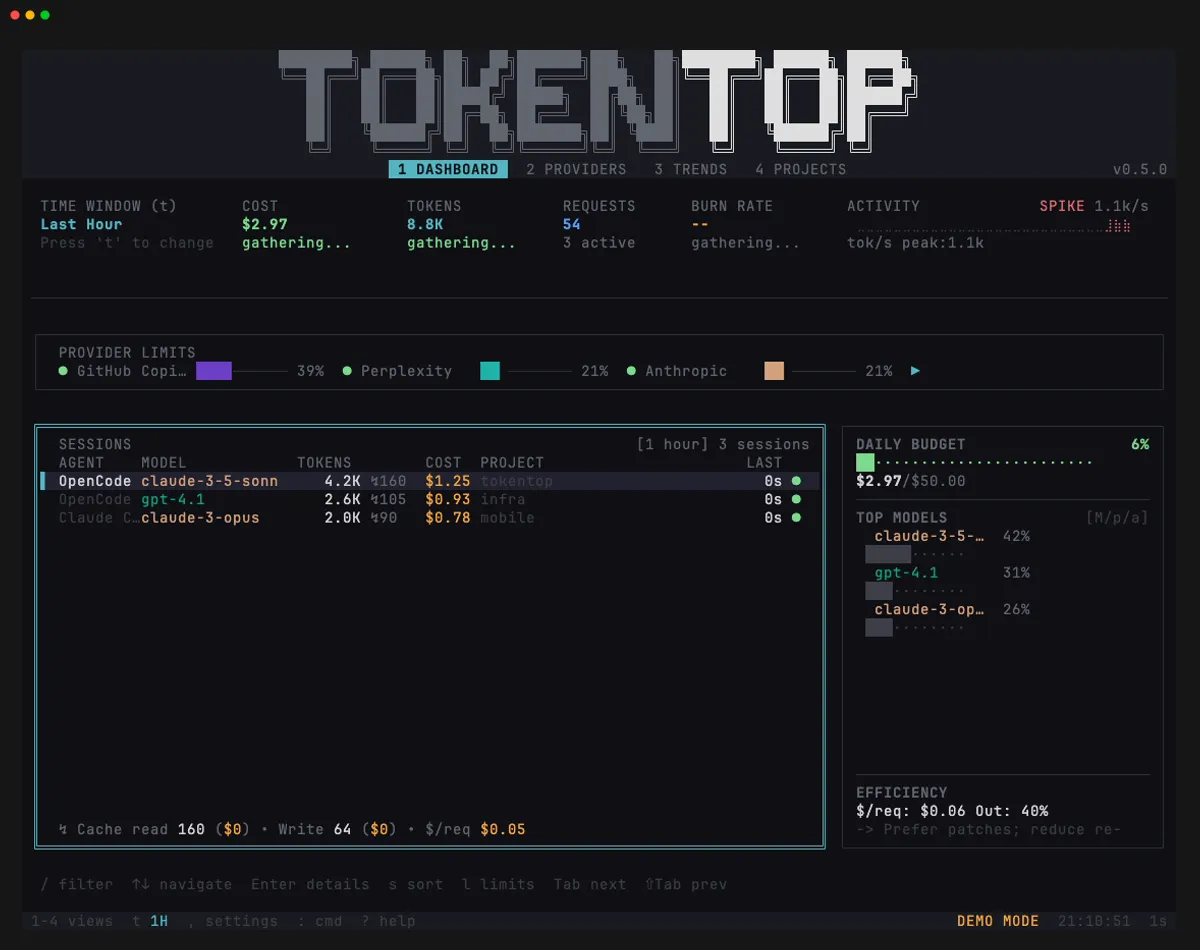
Claude Code
Section titled “Claude Code”Matches the Claude Code terminal aesthetic. Dark with warm amber and orange accents.
ttop demo --theme claude-code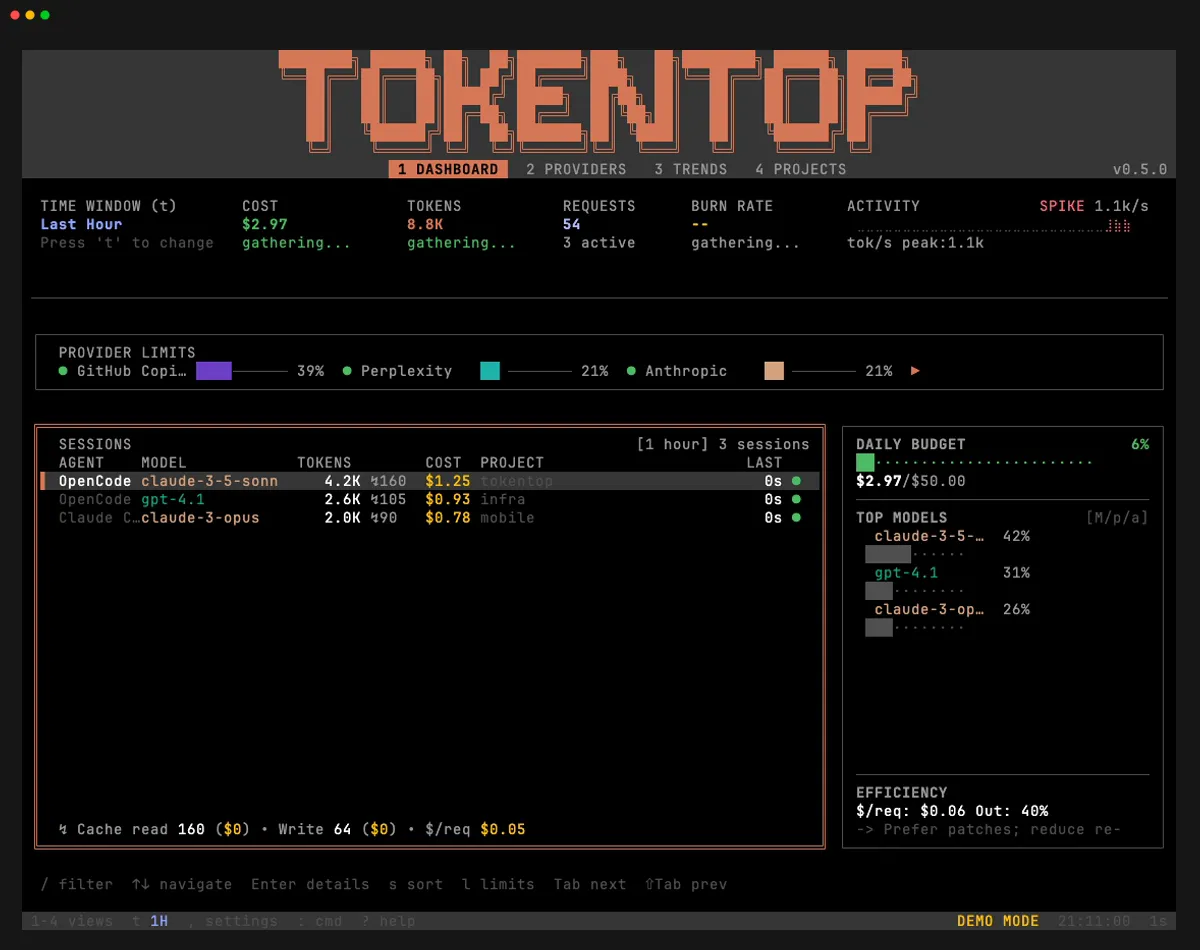
Light themes
Section titled “Light themes”GitHub Light
Section titled “GitHub Light”Clean and minimal, inspired by GitHub’s light UI. High contrast black text on a white-adjacent background.
ttop demo --theme github-light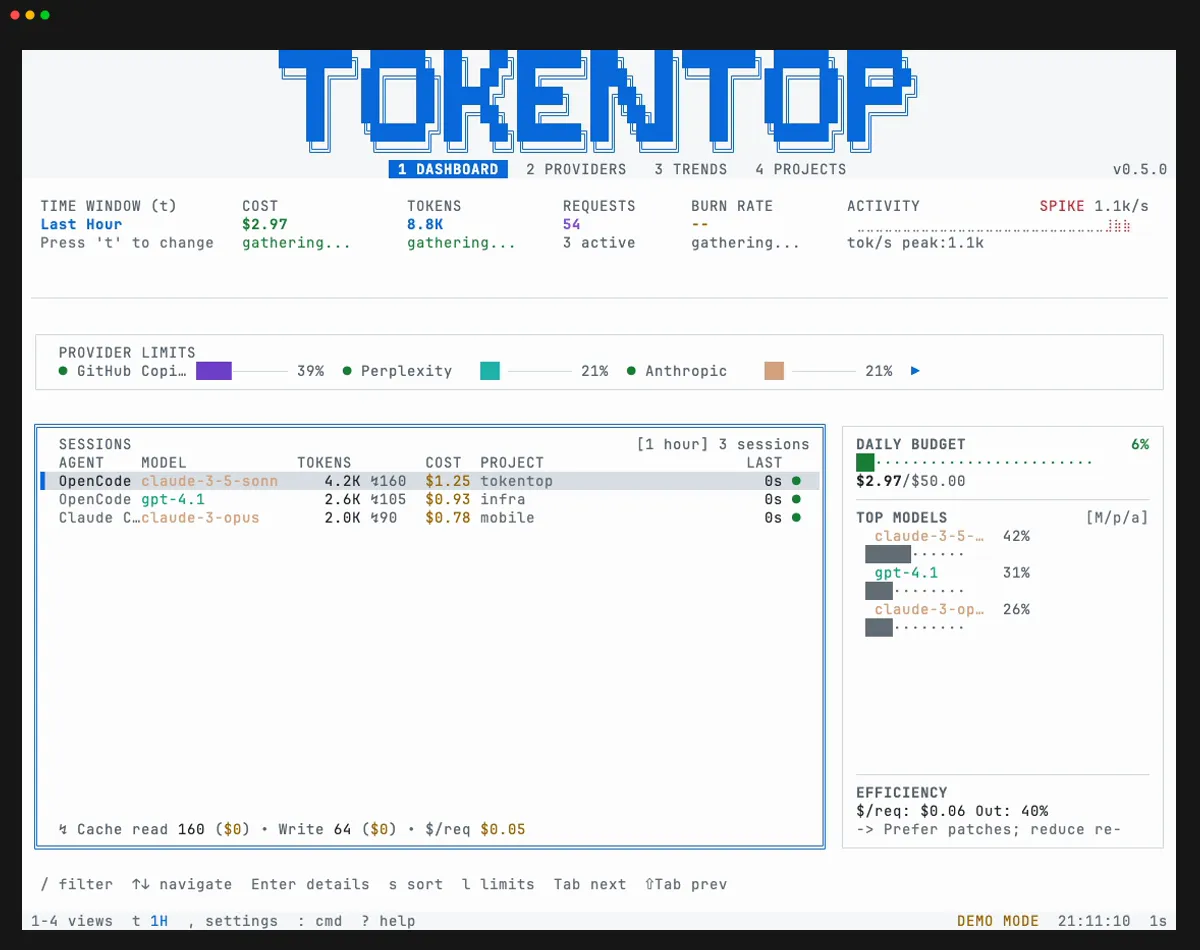
Catppuccin Latte
Section titled “Catppuccin Latte”The lightest Catppuccin flavor. Pastel accents on a warm light background.
ttop demo --theme catppuccin-latte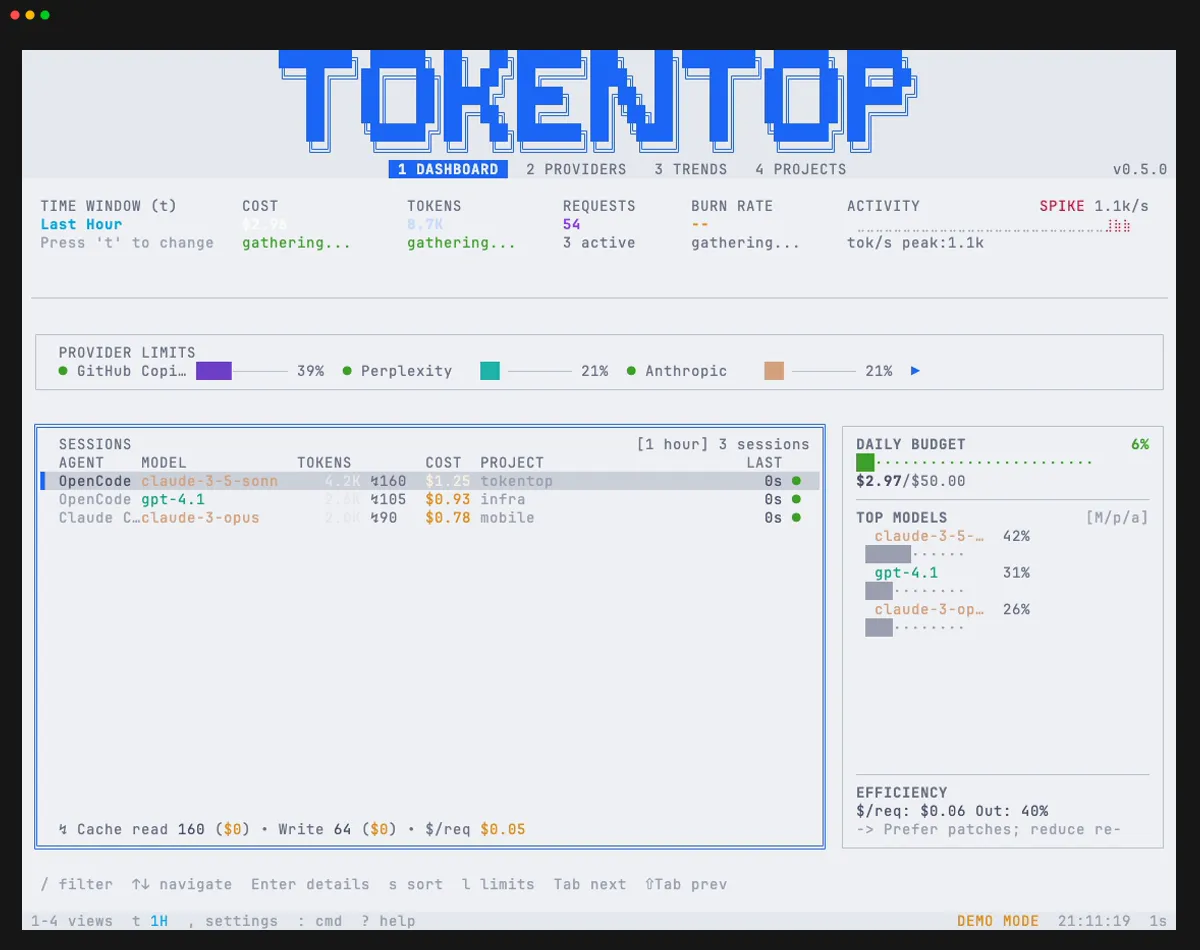
Gruvbox Light
Section titled “Gruvbox Light”The light variant of Gruvbox. Warm, paper-like background with earthy accent colors.
ttop demo --theme gruvbox-light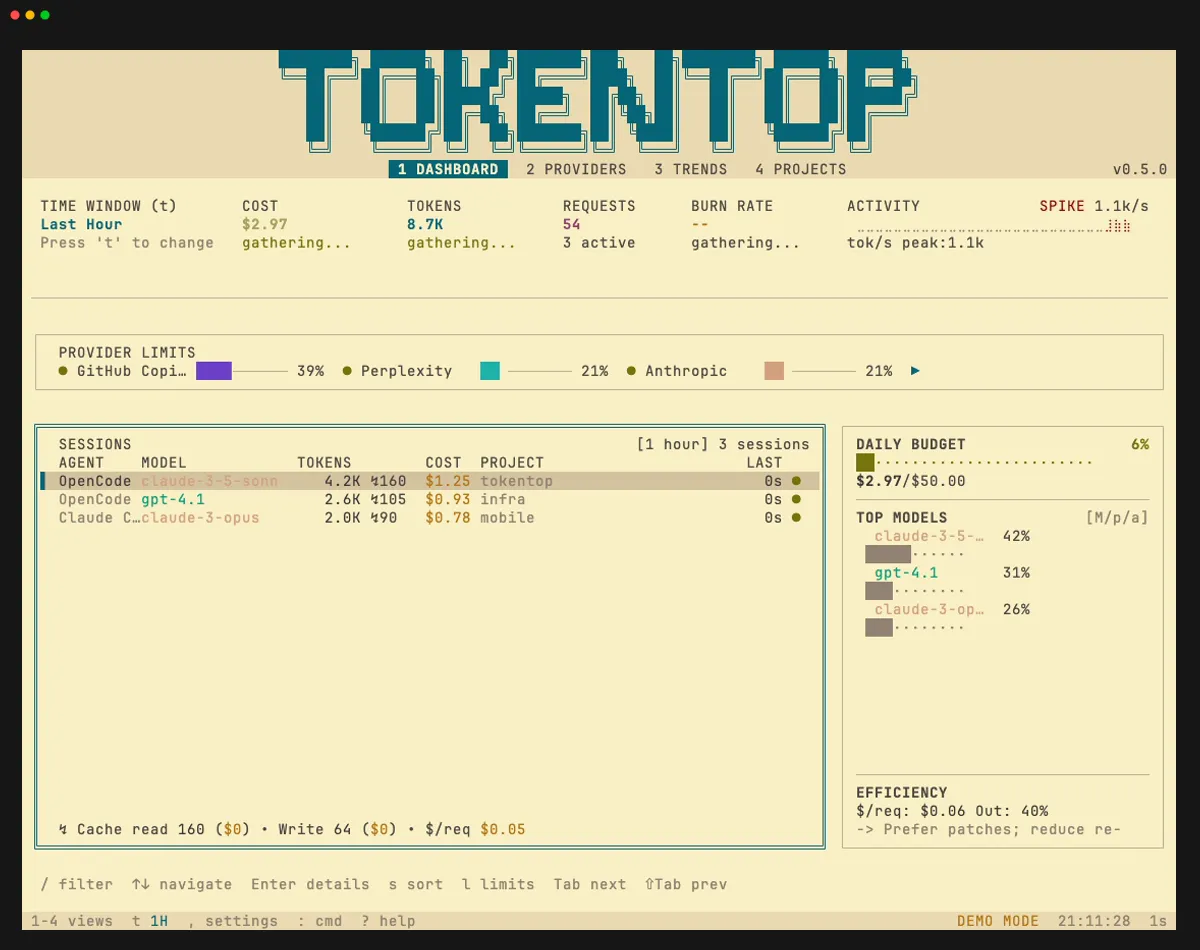
Rosé Pine Dawn
Section titled “Rosé Pine Dawn”The light variant of Rosé Pine. Soft pinks and golds on a warm light base.
ttop demo --theme rose-pine-dawn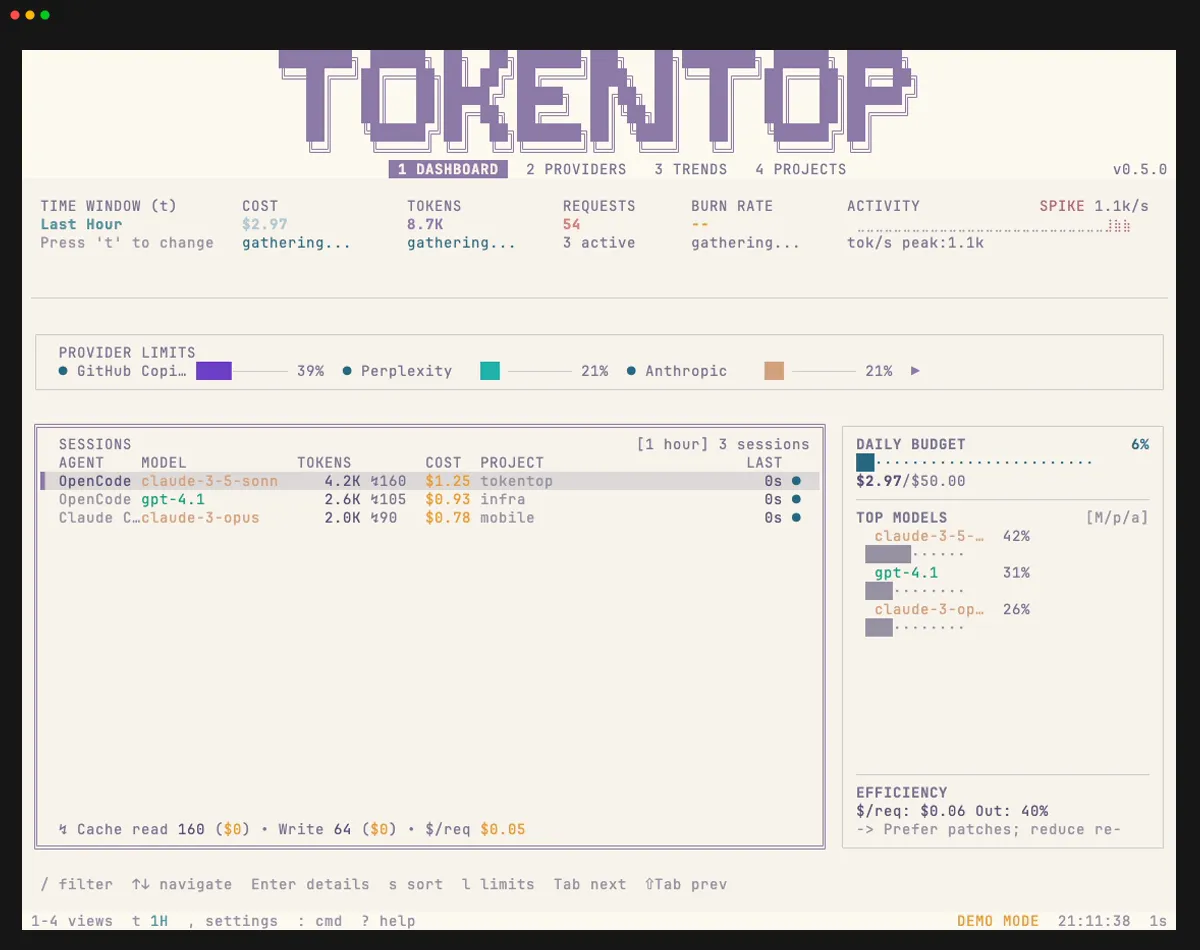
Solarized Light
Section titled “Solarized Light”Ethan Schoonover’s precision-engineered color scheme. Carefully balanced contrast with distinctive yellow and blue accents.
ttop demo --theme solarized-light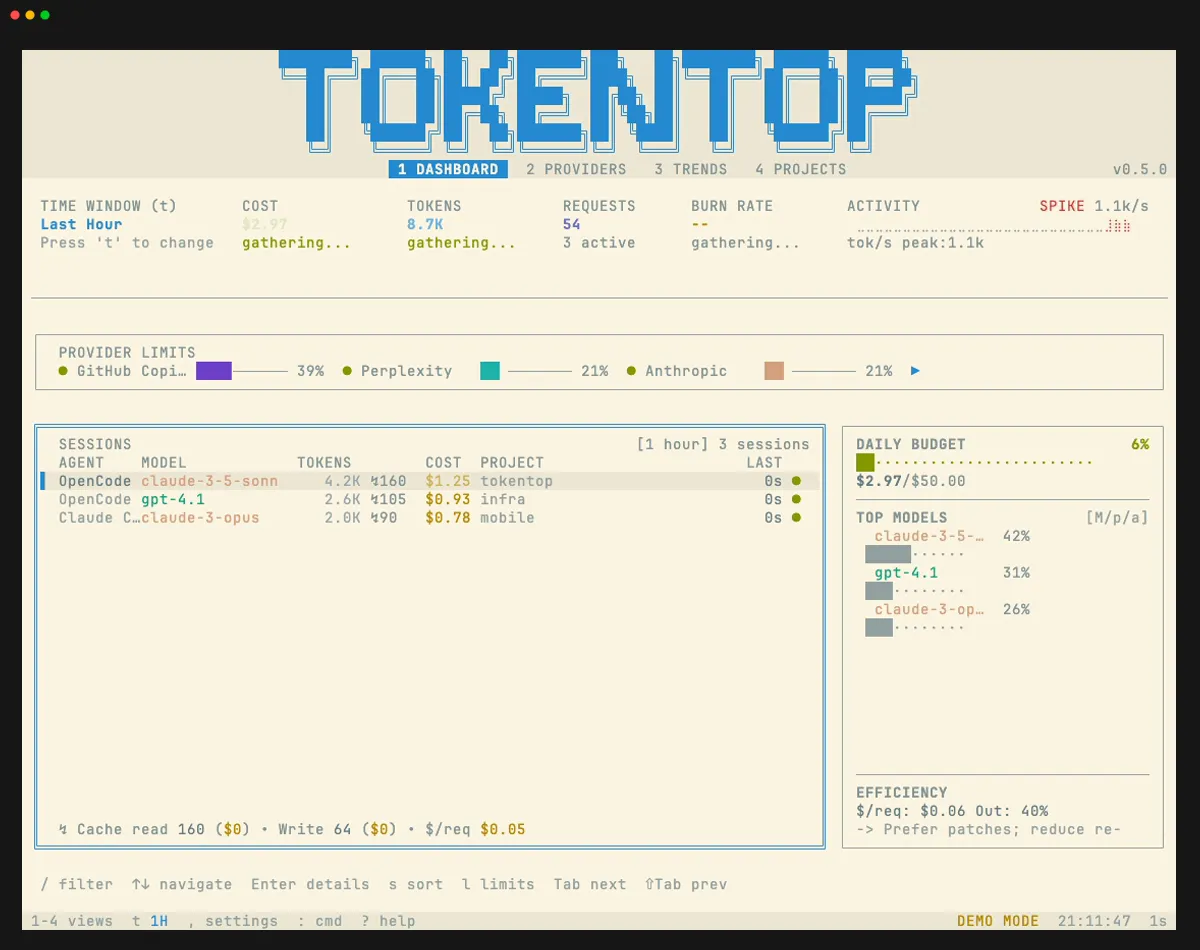
Previewing themes
Section titled “Previewing themes”The fastest way to preview any theme is by passing --theme to demo mode:
ttop demo --theme draculaYou can also change themes at runtime: press , (comma) to open Settings, navigate to Display, and cycle through available themes. Or use the command palette (:) and search for “Theme:”.